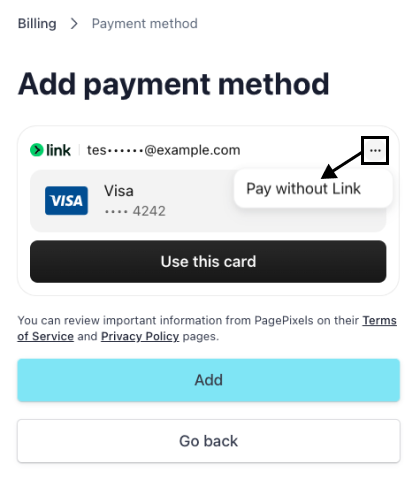
Note: PagePixels uses Stripe for payment, subscription, invoice, and receipt management.
1
Log in to your PagePixels account.
2
Go to your billing portal
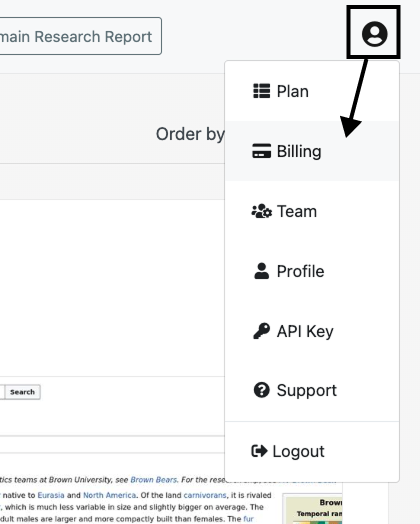
Click on the user icon and select the Billing option from the dropdown menu.
3
Update payment method
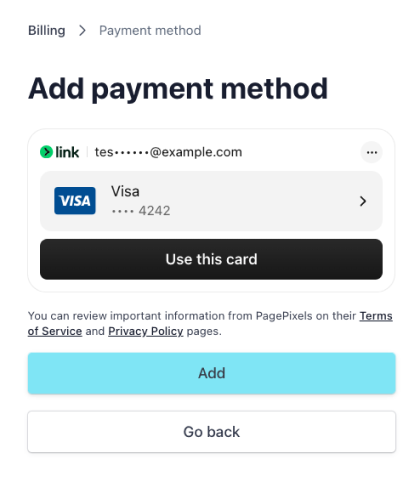
Click the +Add payment method button.

Select and fill out your payment information. Click the Add button.
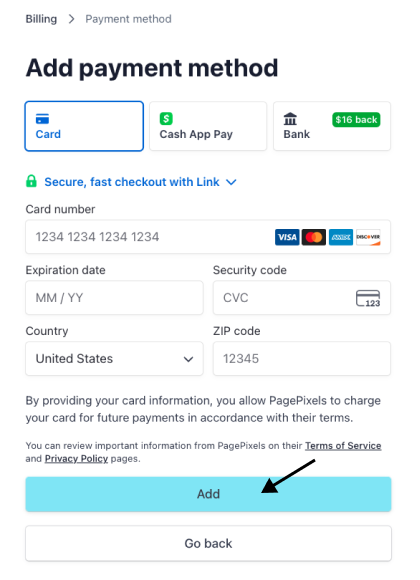
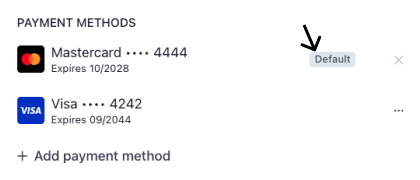
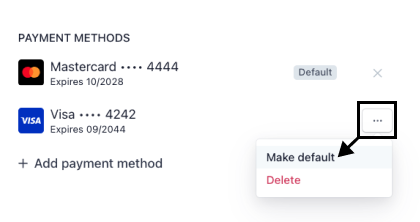
Once successfully added, your new payment should automatically be set to default.