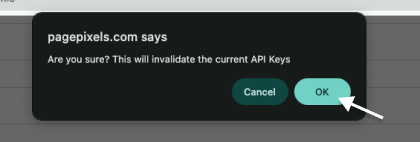
Important Note: Completing the steps below will reset the Private API Key, API Publishable Token, and Secret API Key for your account and cannot be undone.
1
Log in to your PagePixels account.
2
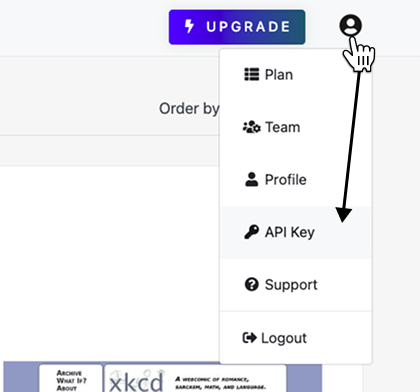
Select API Key from User menu
Click the avatar icon (top-right). Select the API Key option.
3
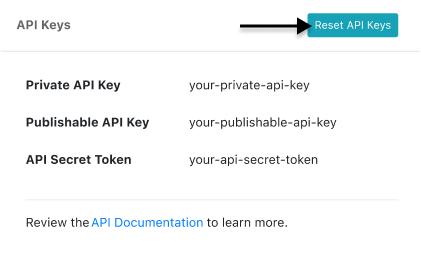
Reset API keys
Click the Reset API Keys button.
Click Okay to confirm.