Where to get your Screenshot API Key

See how to copy your API key from the PagePixels Screenshot API docs and your User Profile page in this help article.

How to get your API key from the API docs

1

Log in to your PagePixels account.

2

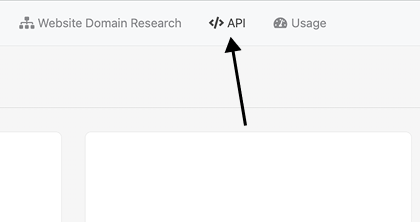
Click the API link in the navbar or go here.
3

Copy API Key

Go to the Private API Key section and copy your key.
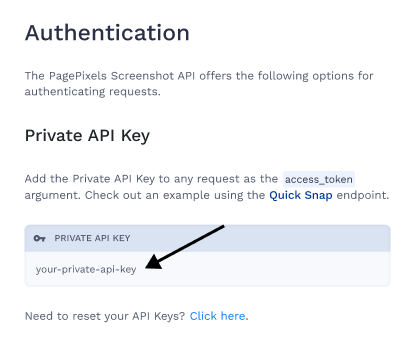
Note: cURL examples in the API Docs will also contain your API Key (value of access_token).
How to get the API Key from your Profile Page

1

Log in to your PagePixels account.

2

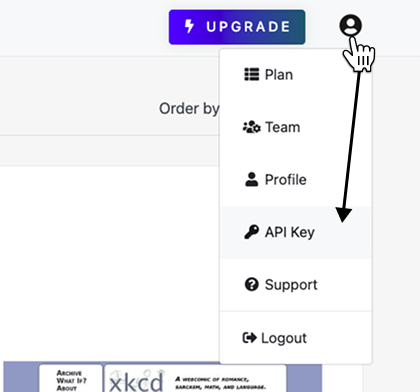
Select API Key from User menu

Click the avatar icon (top-right). Select the API Key option.

3

Get API Key

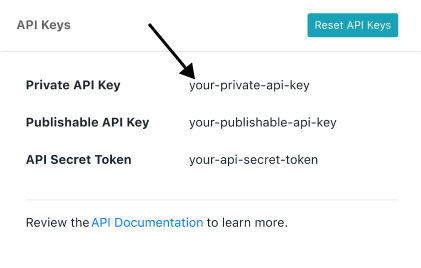
Copy the Private API Key value.

Support

Questions? Contact us anytime by email:

support-tickets@pagepixels.com

Or send us a message through our Support page.