1
Log in to your PagePixels account.
2
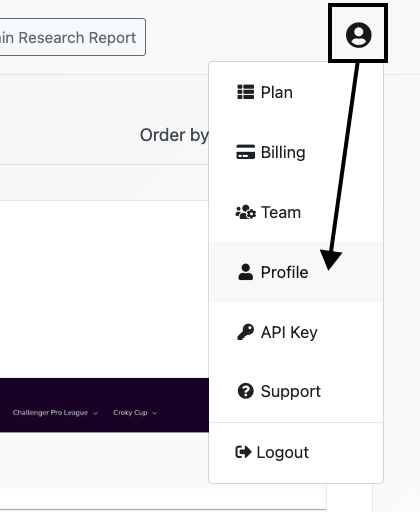
Go to your profile page
Click on the user icon and select the Profile option from the dropdown menu.
3
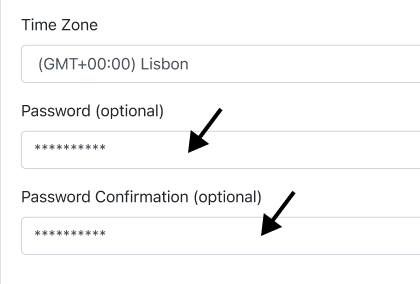
Change your password
Add your new password to the Password and Password Confirmation fields.
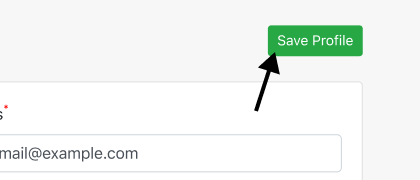
Click the Save Profile button.
Your new password is now set. Next time you log in to PagePixels, you'll need to use the updated password.