1
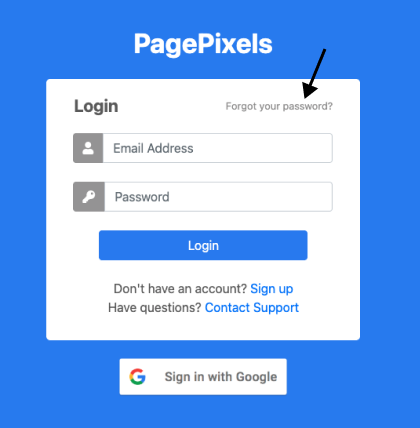
Go to the PagePixels login page.
2
Click forgot password link
3
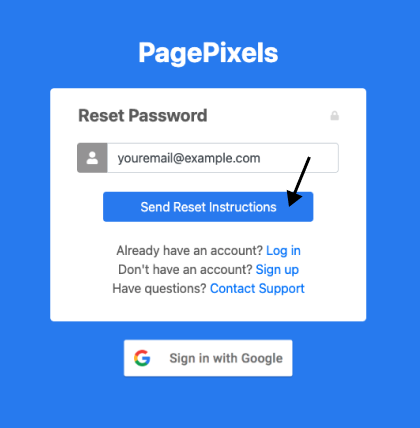
Send reset instructions
Enter your PagePixels account email address.
Click the Send Reset Instructions button.
4
Click link in your email
Within a few minutes, you should receive an email from PagePixels. Visit the link contained in the email.
Note: If the email hasn't arrived after 10 minutes, please check the Spam folder in your email client.
5
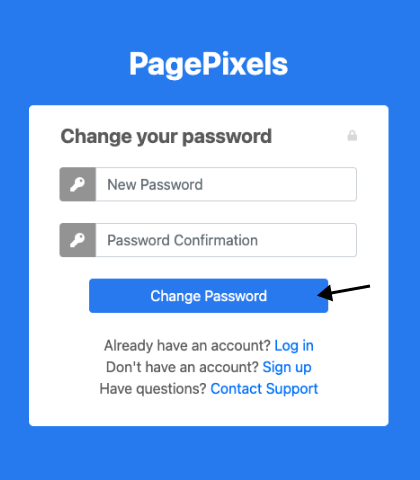
Change your password
Add your new password to the "New Password" and "Password Confirmation" fields.
Click the Change Password button.
You're now good to go with the new password for your PagePixels account login.