How to automatically take screenshots of Google Maps Business Profile card information
Learn how to capture your business information profile card in Google Maps on a recurring schedule with PagePixels.
Introduction
PagePixels is a screenshot automation tool that you can use to take automated scheduled screenshots of web pages, including screenshots of Google Maps business profile cards.
PagePixels is free to start,
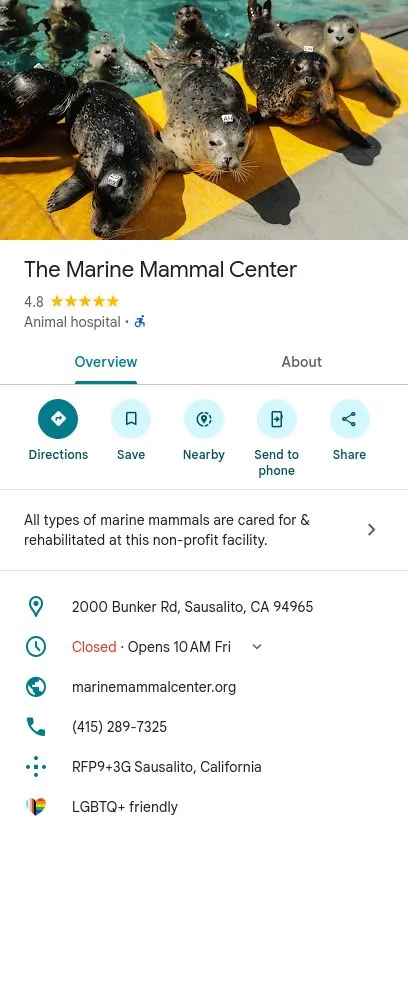
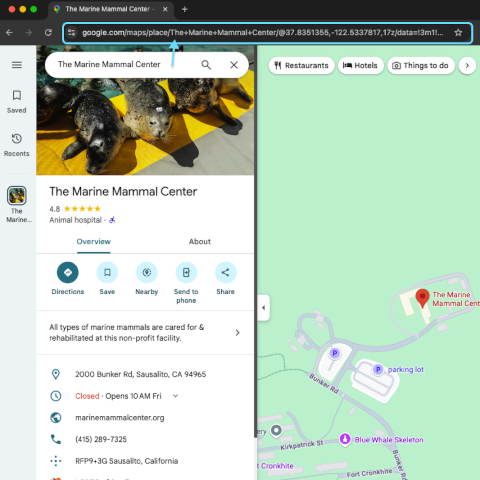
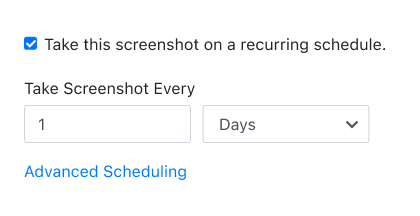
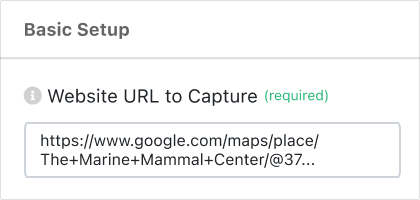
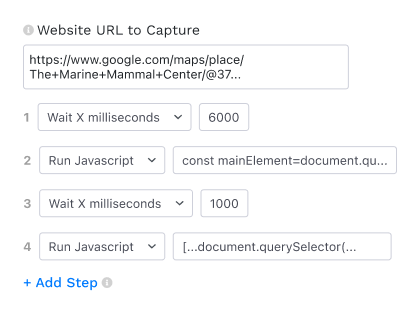
and this tutorial shows you the steps to automatically capture daily screenshots of an organization's top Google Maps business card information.
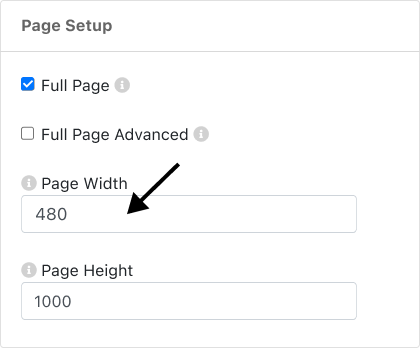
Update the Page Width field from 1920 (default) to: 480
7
Save Screenshot
Click the green Save Screenshot button (top-right).
Your screenshot automation is officially set, and your first Google Maps business card screenshot will be taken shortly.
What else can PagePixels do?
When you automate screenshots of Google Maps business profiles with PagePixels, you can also:
Schedule
screenshots by time interval, days of the week, time of day, and time zone using PagePixels' built-in scheduling system.
Send your scheduled Google Maps screenshots to a public or private
Slack
channel, a
Custom Webhook
address, or save your screenshot images to your
Dropbox
account.
Connect PagePixels to no-code integration platforms Zapier, Make, n8n, or Power Automate to automatically send, save, and email your Google Maps business profile screenshots to thousands of services.
Take and have AI process your Google Maps business profile screenshot images with the
AI Analysis Screenshot
feature.
Compare and contrast multiple Google Maps business profile screenshots and other images with AI using the
Multiple Image AI Analysis
feature.
Empower your AI assistant with advanced screenshot capabilities by adding the PagePixels Screenshot MCP Server as a tool.
Capture screenshots from different locations around the world with PagePixels
Real Location Screenshots
feature.
Convert data from third-party APIs, HTML emails, and other HTML content into screenshots using the
Custom HTML Screenshots
feature.
Dynamically display the most up-to-date Google Maps business profile screenshot on your website, data visualization tool, and app with a single
Embed URL.
Take screenshots of only a specific element on a web page with CSS Selector Screenshot capabilities.
Use the PagePixels Screenshot API to integrate screenshot automation into your web applications.
Automate structured data extraction and AI-powered text analysis for your marketing, sales, and lead generation needs with PagePixels'
Website Domain Research feature.
Discover even more possibilities of what you can do on our
Features page →